FOOTWEAR / SPREADSHEET FINDS
DGO Spreadsheet Sneakers
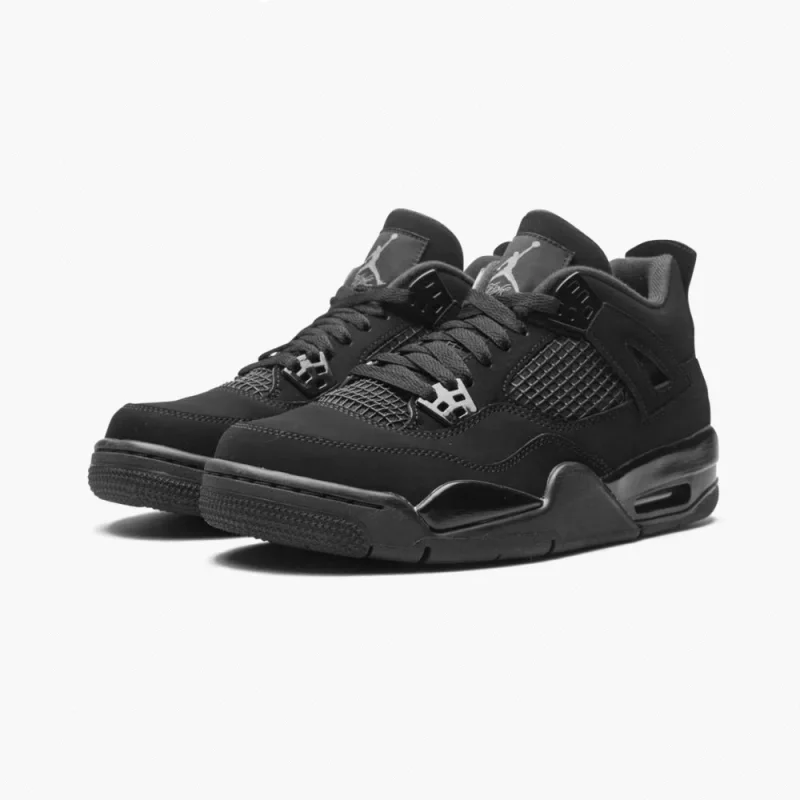
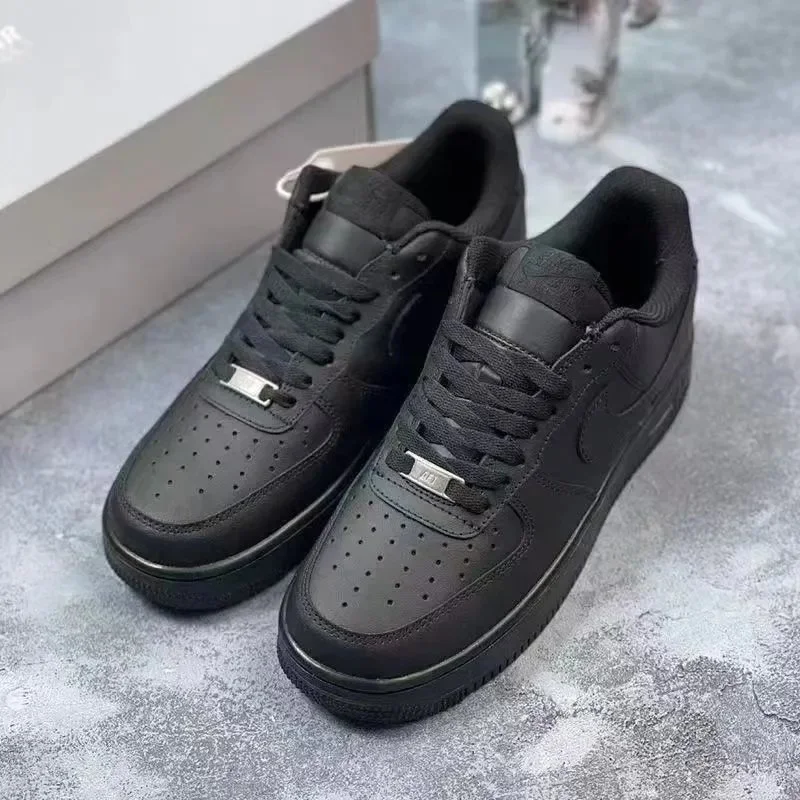
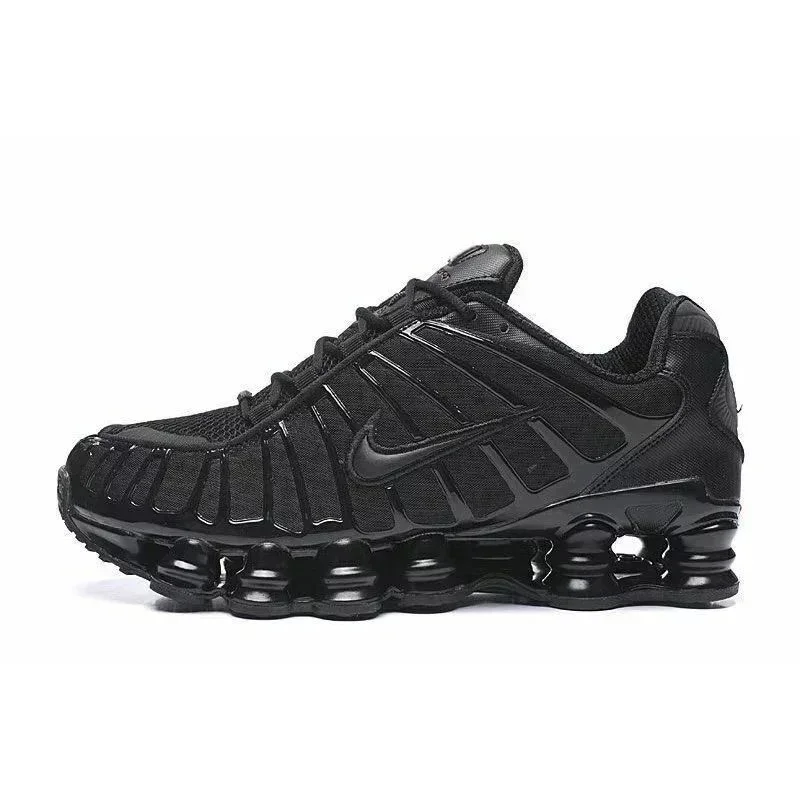
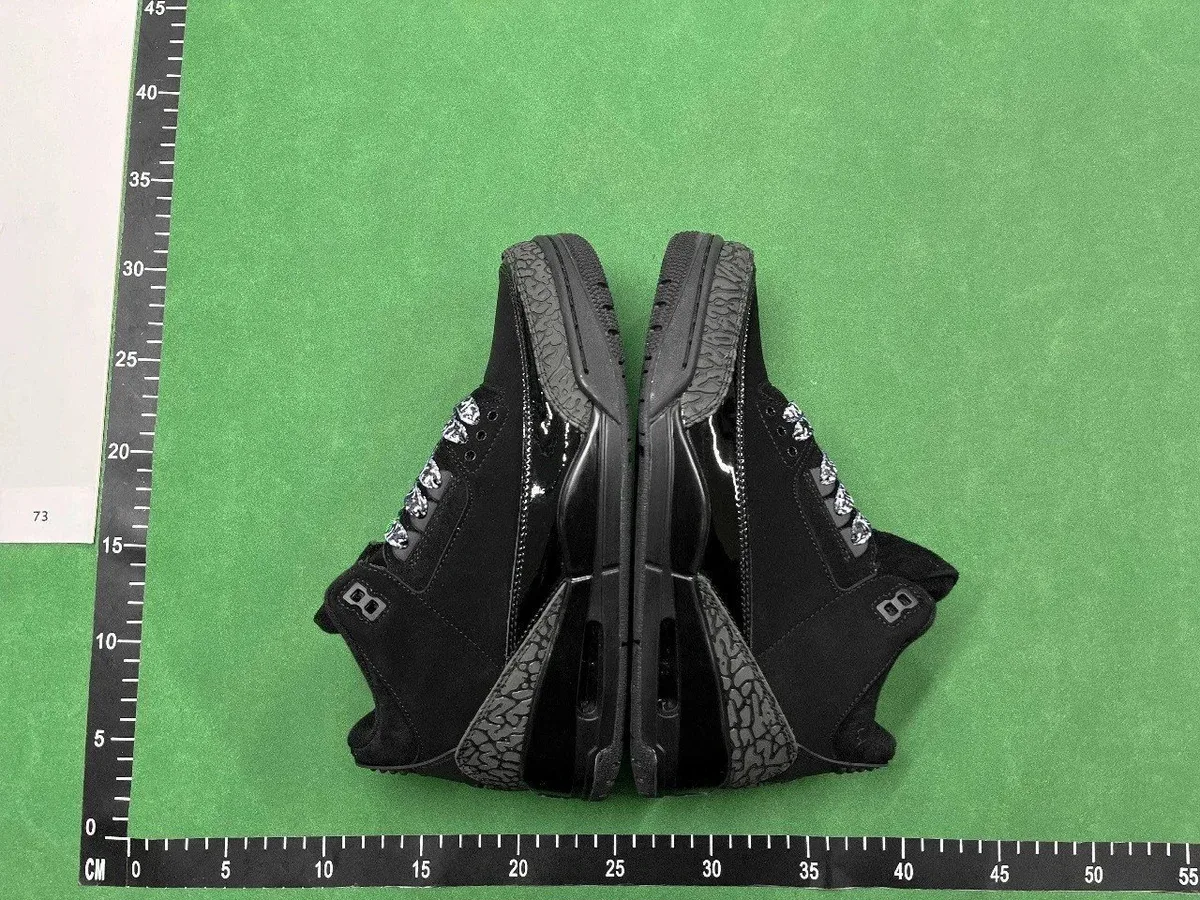
Browse sneaker product links, including Air Force 1, Jordan 3 and 4, and Nike Shox TL and R4. Open a selected model and color to see its live listing.


IN THIS SELECTION
Court shapes, basketball silhouettes and Shox soles
The selection covers several distinct shoe shapes. The examples below highlight court silhouettes, basketball models and Shox designs.
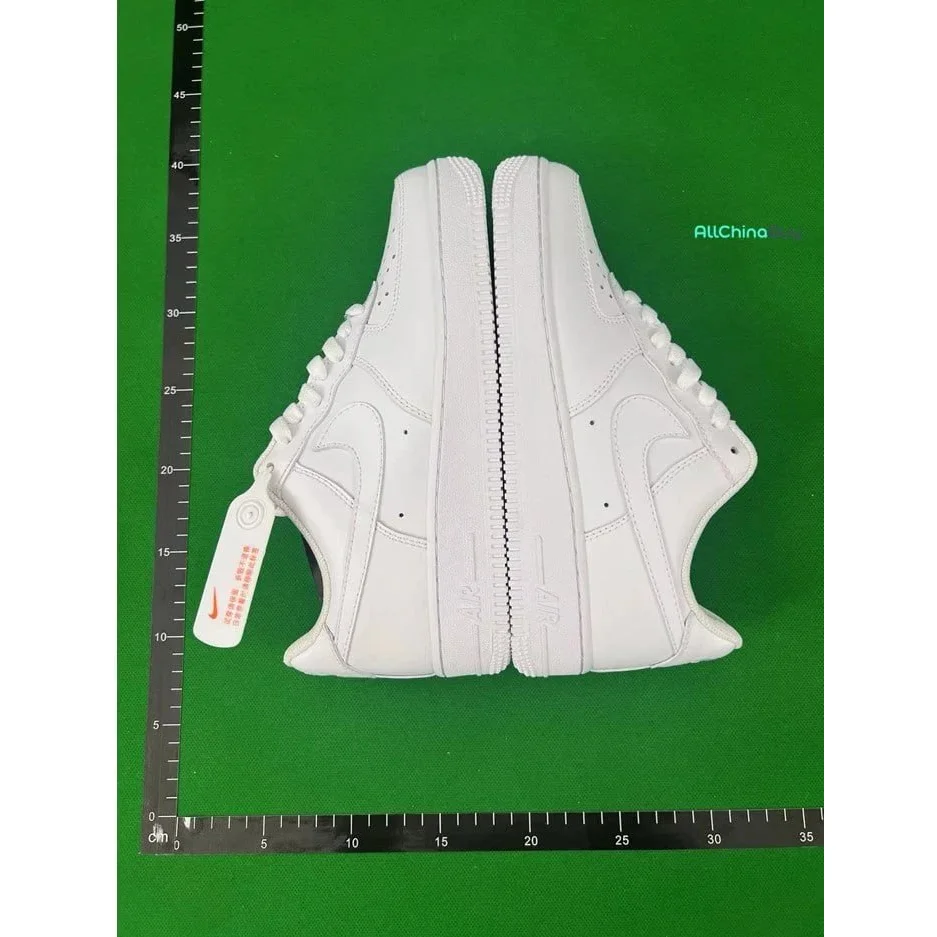
Air Force 1 in white and black
The two Air Force 1 references offer a focused starting point for an all-white or all-black low-top. They share a model name, while the color treatment changes the appearance of the panels, Swoosh and sole. Choose either reference to open its own color option.
See the white Air Force 1 referenceJordan 3 and Jordan 4
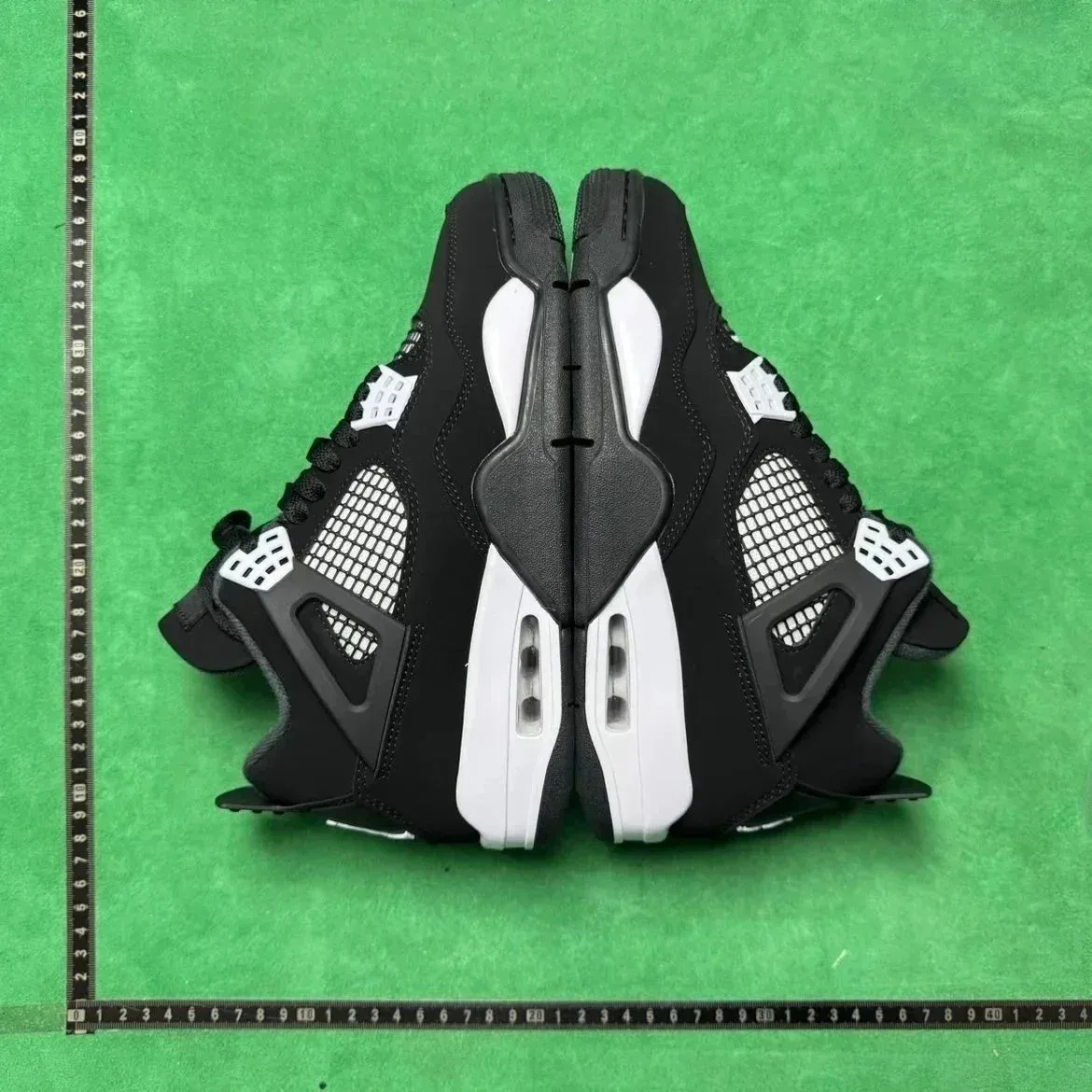
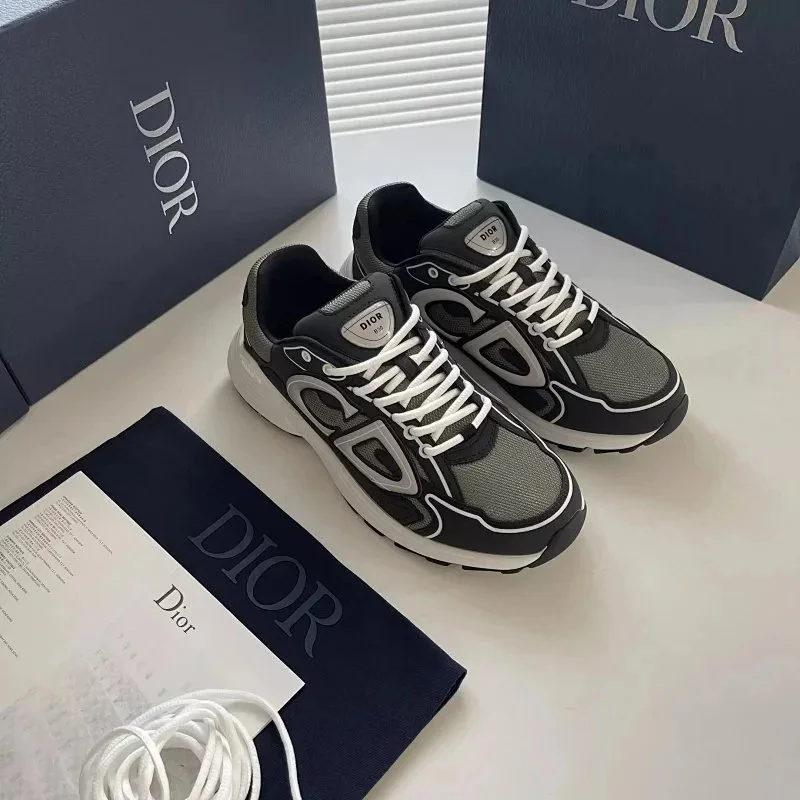
The Jordan selection includes a Black Cement Jordan 3 and two dark Jordan 4 references. Keep the model names separate when browsing: the Jordan 3 listing is its own design, and the two Jordan 4 entries use different black and white treatments. The Dior CD reference adds another black-and-white option outside these Nike and Jordan families.
See the Jordan 3 Black Cement referenceShox TL and Shox R4
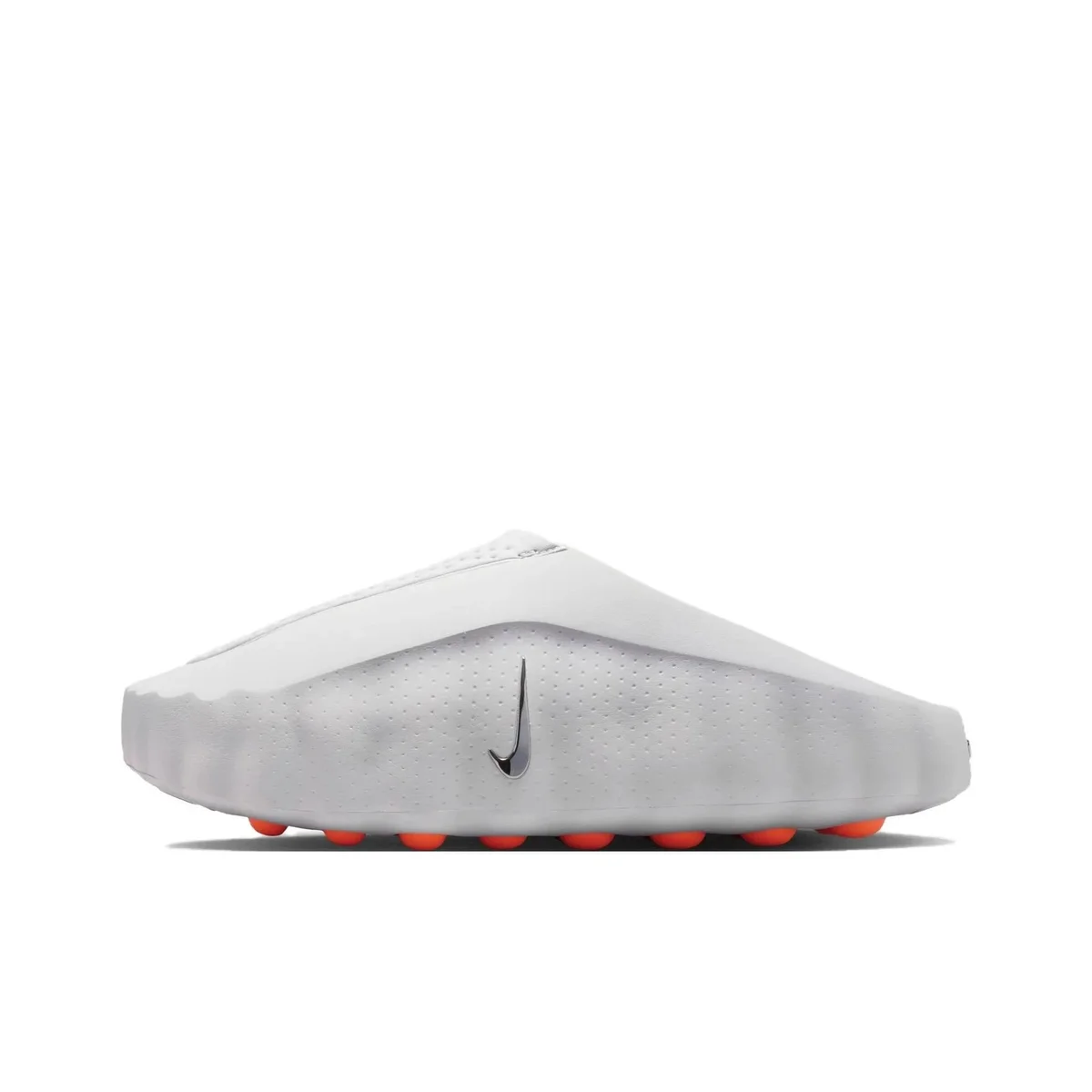
A Triple Black TL and a White Orange R4 represent the two Shox silhouettes here. Their column layouts and upper structures give them different profiles. The linked Shox design article below explores those differences using named Nike product references; it does not identify these catalogue listings as the same releases.
See the Shox TL referenceBEFORE YOU SAVE A LINK
Sneaker listing details to confirm
Match the shoe model, color option and size chart to the listing you open. Use the linked fit explanation or QC request checklist for the question you need to resolve.
01
Match the exact model
Confirm colorway, outsole and size option on the live listing.
02
Read the size chart
Compare insole length in centimeters with a pair you already wear.
03
Plan the QC angles
Ask for both sides, toe shape, heel, tongue and size label when needed.
KEEP EXPLORING
Browse all products